



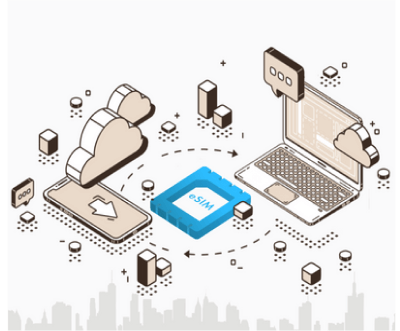
eSIM stands for Embedded SIM, which means a "built-in SIM". Unlike traditional physical SIM cards that are inserted into the device, eSIM is a component embedded within the device, eliminating the need to insert or remove it.
You can start using a communication plan immediately by contracting a plan through an app provided by the service provider or their website.
Compared to conventional SIM cards, eSIM offers increased flexibility, enhanced security, and seamless device activation. It is now being recognized as a revolutionary communication method by telecom operators worldwide.

No need to swap SIM cards

No need for receiving and returning
rental WiFi routers

Easy setup and immediate use

Purchase anytime, anywhere
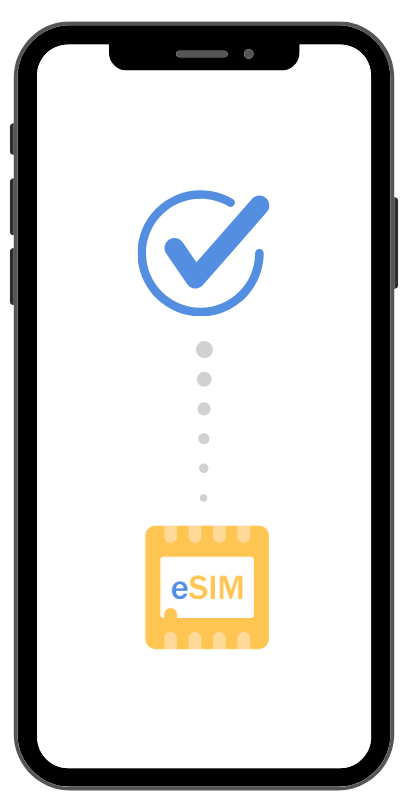
Ensure your device supports eSIM
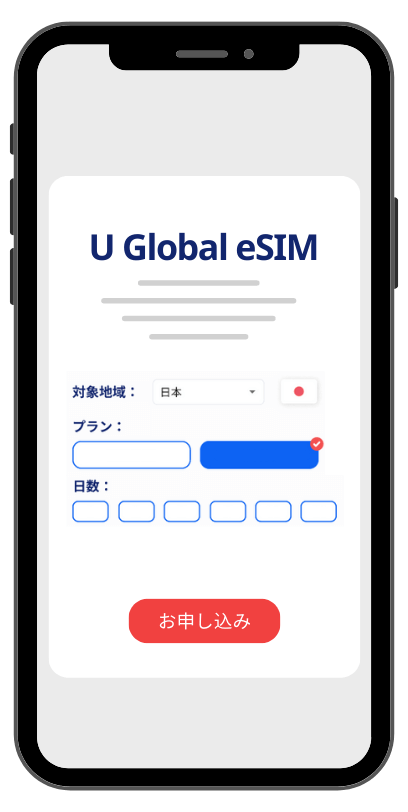
After completing your order, you will receive an email with the necessary setup information
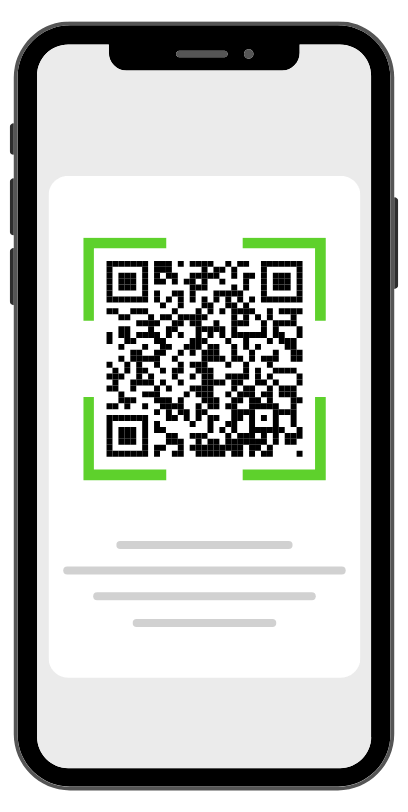
Scan the QR code received via email and complete the setup on your device
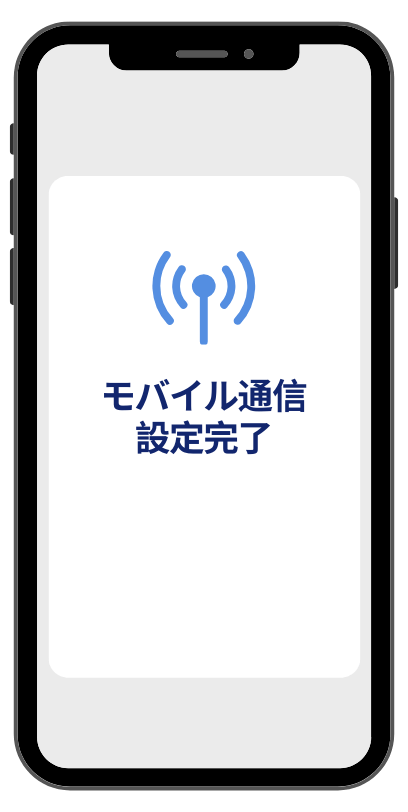
After setup, simply turn on your device upon arrival at your destination to automatically activate the eSIM
We will send the necessary setup information via email within approximately 5 minutes after confirming your order. (Sent from info@aicom.ne.jp)
・For iPhones with eSIM: Go to "Settings" > "Cellular" > "Add Cellular Plan" and if you see the "Scan QR Code" option, your iPhone supports eSIM.
・For Android smartphones with eSIM: If the "Scan QR Code" option is available on the Mobile Network settings page, your Android device supports eSIM.
※ For a reference list of eSIM-compatible devices, please see “Supported Devices List”.
■ This product is an eSIM.
It does not include a physical SIM card.
The QR code will be delivered via email. Scan the QR code to set it up.
A WiFi connection is required when scanning the QR code.
■ This product is only compatible with eSIM-enabled devices.
■ This product can only be used with SIM-unlocked or SIM-free devices.
■ Once the QR code is scanned, it cannot be used on another device. Please be aware.
■ Resetting your device will delete the eSIM.
※ If using the same device, you can rescan the QR code to use it again.
■ In case of device damage (e.g., water damage) or loss, a paid reissue of the eSIM is possible.
However, it will be a new issuance with a different SIM number, not a reissue of the same number.
■ When using iOS devices with an MVNO network, only one APN configuration profile can be installed.
Therefore, each time you switch networks, you will need to install the APN configuration profile again.
However, in the case of carrier lines and MVNO lines, there is no need to install the APN configuration profile each time.
■ Due to the nature of the product, returns or refunds cannot be accepted for customer reasons.
* Chinese versions of iPhone and iPad do not support eSIM.
· Is your device compatible with eSIM?
· Ensure your device is SIM-free or unlocked.
· After purchasing eSIM, a QR code for installation will be sent via email.
· Subject: Information on the QR code required to start using [U Global eSIM] eSIM and how to set it up.
· The period is 180 days, including the date the email was sent. Please install it within this period.
· After installing the eSIM, your plan will begin when data communication is activated in a country where it is available.
· The QR code will be sent from info@aicom.ne.jp. Please whitelist this domain.
· Check your spam folder.
· If you still don't receive the QR code email after whitelisting the domain and checking the spam folder, please contact us.